- → Anonymous
- → Coming Soon Landing Page
Coming Soon Landing Page
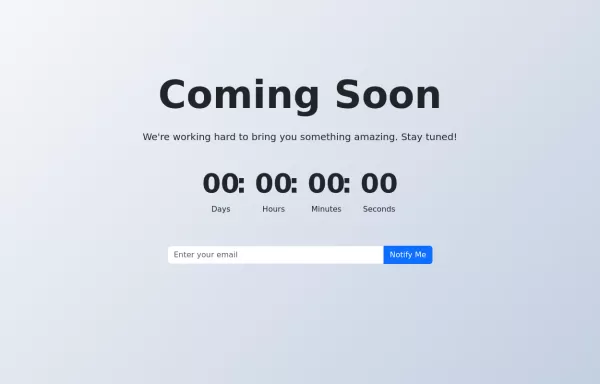
This bootstrap css example is contributed by Anonymous, on 01-Oct-2024. Component is made with bootstrap css v.5.3. It is responsive. similar terms for this example are upcoming, Pre-launch page, Teaser page, Under construction page, Placeholder page, Sneak peek page,Launch page
Author Anonymous
More Examples
-
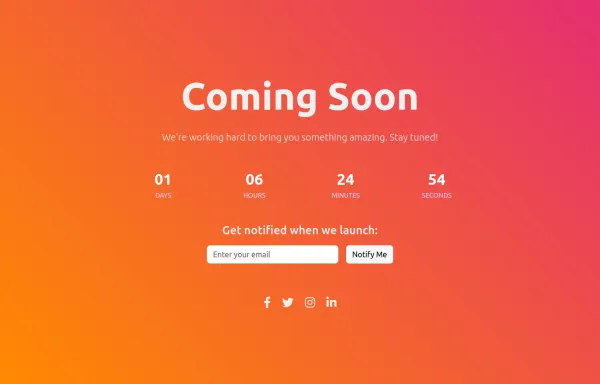
Coming Soon Page
Coming Soon landing page example made with Bootstrap 5
1 year ago1.2kv.5.3 -
8 months ago782v.5.3
-
Coming Soon Page
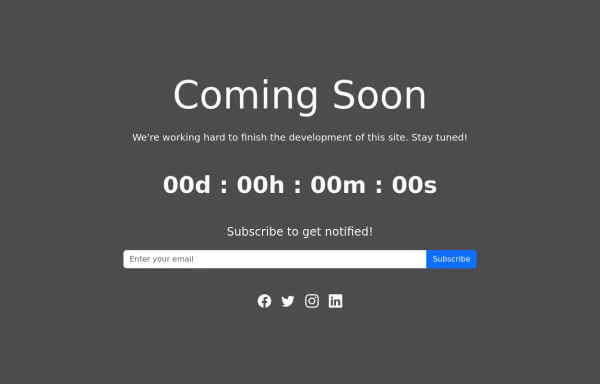
Coming Soon Landing page
1 year ago1.4kv.5.3 -
Gradient Hero Section
A visually stunning hero section with a gradient background and a call-to-action button.
1 year ago4.7kv.5.3 -
Bootstrap homepage with background color, hover effects, animations, and shadows added to enhance the design
Features Added: Background Gradient: A smooth gradient background using linear-gradient. Card Shadow and Hover Effect: The card now lifts up with a shadow (box-shadow) and smooth transition (transform) on hover. Button Customization: A custom round button with hover color change. Animation: The card content animates with a "fade-in-up" effect using keyframe animation.
1 year ago3.1kv.4.6 -
4 months ago1.4kv.5.3
-
1 year ago6.5kv.5.3
-
1 year ago16.2kv.5.3
-
Error Page, you can use HTML, CSS, and Bootstrap.
HTML: Error Title: A large, bold number (e.g., 404) to indicate the error type. Error Message: A brief message explaining the error. Button: A button to navigate back to the home page. Adjust the href attribute to point to your actual home page URL. CSS: Background Gradient: Applied to the body to give a stylish look. Error Container: Centered on the page with a semi-transparent background for contrast. Button Styling: Custom colors for the button, including hover effects.
1 year ago2.2kv.4.6 -
bootstrap 5 search box with icon Example
Dark Theme Search Bar Light Theme Search Bar Simple Iconic Search Bar
1 year ago4.4kv.5.3 -
1 year ago1.3kv.5.3
-
Pricing Page with Bootstrap and Icons
HTML: Navbar: Provides navigation links, including a link to the Pricing page. Pricing Section: Contains three columns, each representing a pricing plan with a card layout. Icons: Font Awesome icons are used for visual representation (e.g., stars and check circles). CSS: Card Styling: Adds border, shadow, and hover effects to the pricing cards. Plan-Specific Styles: Different border colors for each pricing plan (Free, Gold, Platinum). Button Styles: Different button colors to match the card styles. JavaScript: No custom JavaScript is required for this static pricing page, but you can add interactivity if needed. How to Use: Customize Content: Update the plan names, prices, features, and button actions as needed. Replace Icons: Choose different Font Awesome icons if desired by updating the <i> elements.
1 year ago1.4kv.4.6
Didn't find component you were looking for?
Search from 300+ componenent