- → Gana JNsksk
- → working
working
This bootstrap css example is contributed by Gana JNsksk, on 15-May-2026. Component is made with bootstrap css v.4.6. It is responsive.

Author Gana JNsksk
More Examples
-
 3 months ago232v.5.3
 -
existing client section
do noy copy
5 months ago376v.4.6 -
siam service list items section
saervice list
5 months ago334v.4.6 -
5 months ago713v.4.6
-
3 months ago150v.4.6
-
Coffee website
coffee website
2 months ago241v.4.6 -
5 months ago446v.4.6
-
5 months ago321v.5.3
-
Restrurant Website
Only for me
3 months ago343v.5.3 -
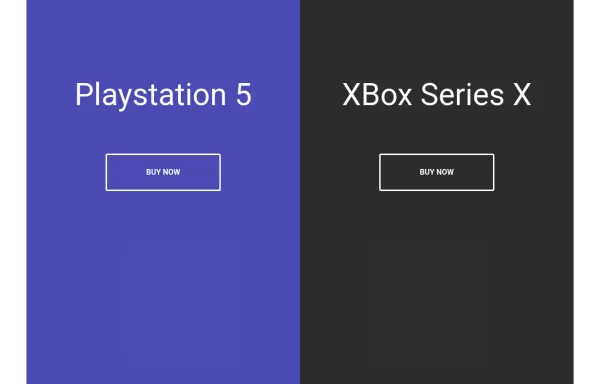 Split Landing Page
Split Landing Page
1 year ago2.1kv.4.6 -
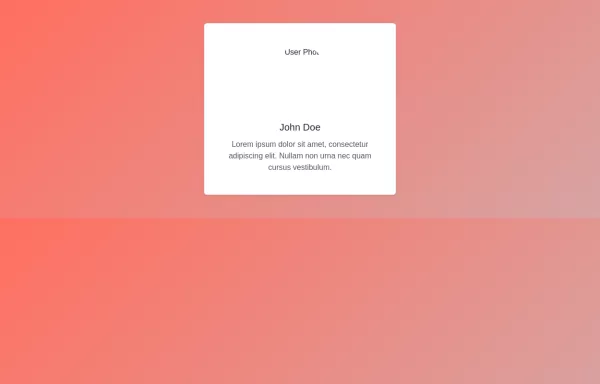 User Profile Card with Bootstrap
How to Use: Replace Image URL: Update the src attribute of the img tag to the actual URL of the user’s image. Update Text: Change the text inside the h5 and p elements to reflect the user’s actual name and biography
2 years ago3.6kv.4.6 -
 1 year ago2.7kv.5.3





Didn't find component you were looking for?
Search from 300+ componenent

