- → istiakahmedchowdhury10
- → Mission & Vision
Mission & Vision
This bootstrap css example is contributed by istiakahmedchowdhury10, on 22-Jul-2026. Component is made with bootstrap css v.4.6. It is responsive.

Author istiakahmedchowdhury10
More Examples
-
-
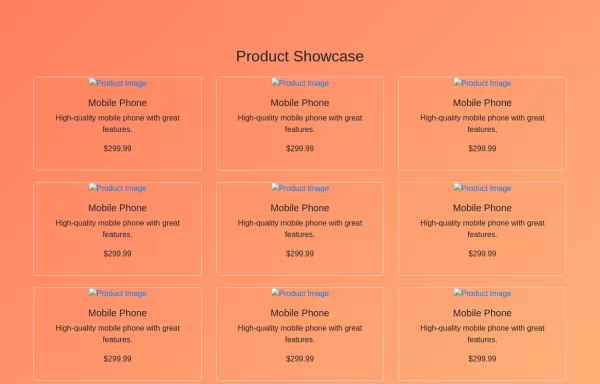 HTML and JavaScript for Product Showcase Page
JavaScript: Pagination Handling: The script fetches images based on the current page and updates the pagination controls dynamically. Product Cards: Each product is displayed as a card with an image, title, description, and price
2 years ago2.5kv.4.6 -
 8 months ago418v.5.3
 -
 5 months ago600v.4.6
 -
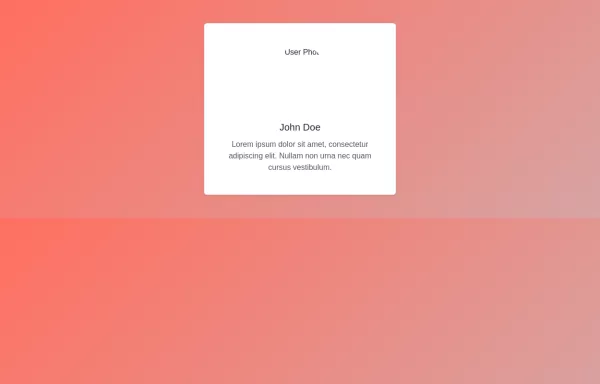 User Profile Card with Bootstrap
How to Use: Replace Image URL: Update the src attribute of the img tag to the actual URL of the user’s image. Update Text: Change the text inside the h5 and p elements to reflect the user’s actual name and biography
2 years ago3.6kv.4.6 -
2 months ago762v.5.3
-
 Product Card
Card diseñada para mostrar productos de forma atractiva y ordenada, inspirada en Mercado Libre. Incluye imagen fija, título uniforme, precio anterior tachado, precio actual con descuento y etiquetas promocionales como "Envío gratis". Incorpora un efecto hover con sombra acentuada y usa clases CSS para fácil integración y mantenimiento.
1 year ago2kv.4.6 -
 8 months ago1.1kv.4.6
 -
3 months ago209v.4.6
-
5 months ago570v.4.6
-
 for me
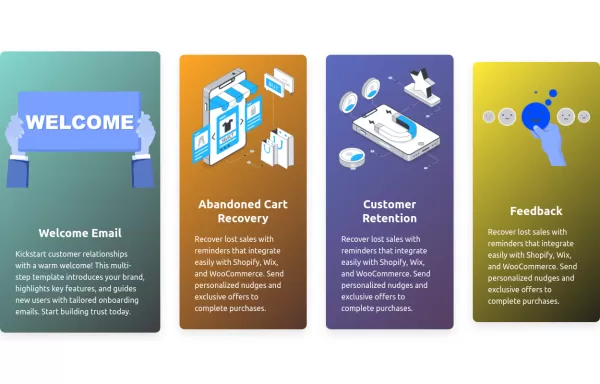
A modern and visually appealing card component with a gradient background and hover effect.
1 year ago2.1kv.5.3 -
 2 years ago4.9kv.4.6





Didn't find component you were looking for?
Search from 300+ componenent

