- → Anonymous
- → About me section
About me section
je copy korbe she chor
This bootstrap css example is contributed by Anonymous, on 14-May-2026. Component is made with bootstrap css v.4.6. It is responsive.

Author Anonymous
More Examples
-
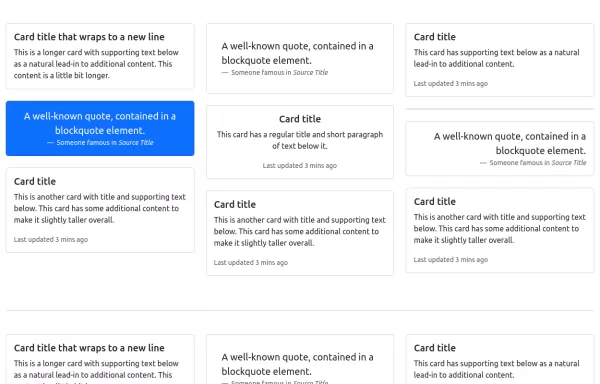 Card Layout
Using masonry in cards layout
1 year ago5kv.5.3 -
 2 years ago5.4kv.5.3
 -
 Expanding Cards
Expanding Cards
1 year ago5.2kv.4.6 -
 Sound Board
Sound Board
1 year ago2kv.4.6 -
 1 year ago2kv.5.3
 -
 mission and vission
do not copy
4 months ago321v.4.6 -
4 months ago413v.4.6
-
existing client section
do noy copy
4 months ago343v.4.6 -
4 months ago279v.4.6
-
contact from
do not copy
4 months ago820v.4.6 -
4 months ago907v.4.6
-
 2 years ago3.9kv.5.3


Didn't find component you were looking for?
Search from 300+ componenent

