- → Mateo Rojas
- → Beautiful Rating Component
Beautiful Rating Component
Take user ratings with this form card
This bootstrap css example is contributed by Mateo Rojas, on 21-Dec-2024. Component is made with bootstrap css v.5.3. It is responsive. similar terms for this example is Vote

Author Mateo Rojas
More Examples
-
 Rating section
Rating section fit form for taking user ratings and reviews
2 years ago4.5kv.5.3 -
 Interactive Star Rating
A dynamic star rating component where users can select their rating by clicking on stars. The rating can range from 1 to 5 stars, offering immediate visual feedback on hover and selection.
1 year ago2kv.5.3 -
 1 year ago6.6kv.5.3
 -
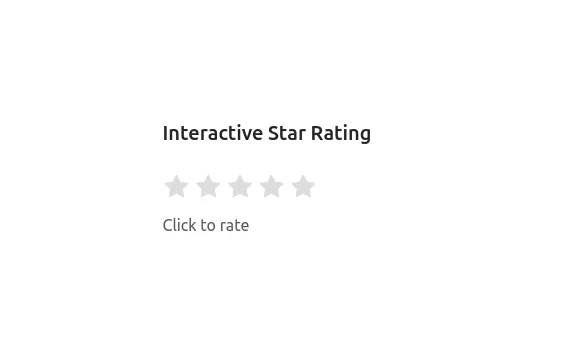 Interactive Star Rating
A dynamic star rating component where users can select their rating by clicking on stars. The rating can range from 1 to 5 stars, offering immediate visual feedback on hover and selection.
1 year ago16.3kv.5.3 -
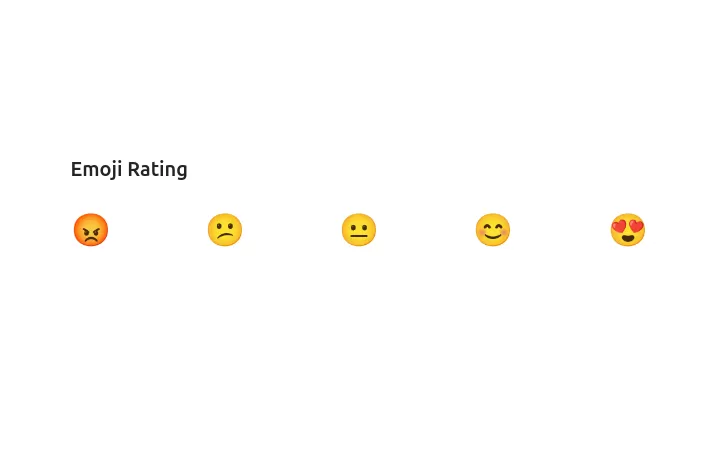 Emoji Rating
An alternative, fun way for users to rate with emojis ranging from angry to love. Hovering over the emojis gives a playful animation effect, encouraging user interaction.
1 year ago3.3kv.5.3 -
 1 year ago8.8kv.5.3
 -
 Navbar
a responsive navbar with search
2 years ago11.2kv.5.3 -
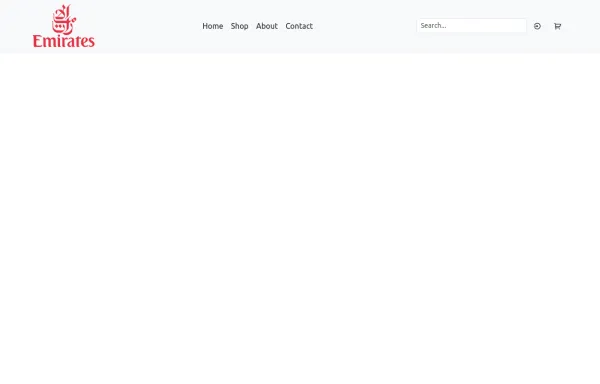 Responsive Bootstrap Navbar with Mobile Toggle and Remix Icons
This responsive Bootstrap 5 navbar features a clean and modern design, enhanced with Remix Icons for login and cart functionality. It includes a desktop navigation layout with a logo, links, search bar, and action buttons, while the mobile version adapts seamlessly with a toggle menu. Ideal for e-commerce or multipage websites seeking a sleek and user-friendly header layout.
1 year ago4.1kv.5.3 -
 Restrurant Website
Only for me
2 months ago215v.5.3 -
 Footer example made with Bootstrap 5.3
Dark theme
1 year ago10.3kv.5.3 -
 1 year ago5.2kv.5.3
 -
 Form Wave
Form Wave
1 year ago2.2kv.4.6





Didn't find component you were looking for?
Search from 300+ componenent

