- → Anonymous
- → Features Section
Features Section
with icons
This bootstrap css example is contributed by Anonymous, on 22-Aug-2024. Component is made with bootstrap css v.5.3. It is responsive. similar terms for this example are Services,Why choose us

Author Anonymous
More Examples
-
 2 months ago697v.5.3
 -
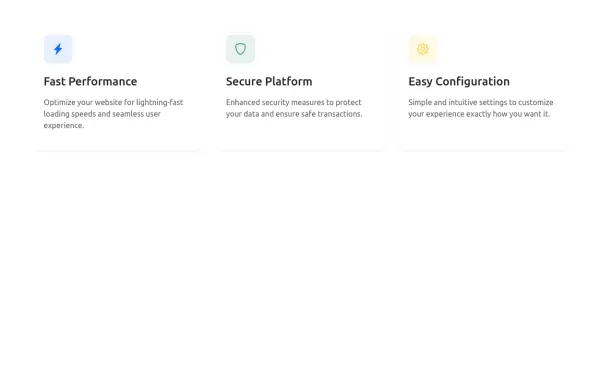 1 year ago2.1kv.5.3
 -
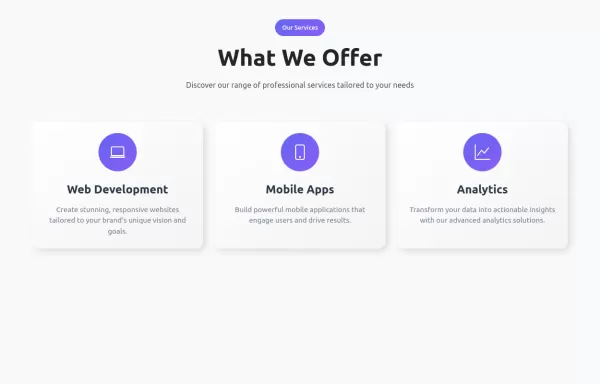 Service Cards with Hover Effects
service showcase component featuring neuromorphic design cards with smooth hover effects, gradient accents, and responsive layout.
1 year ago5.7kv.5.3 -
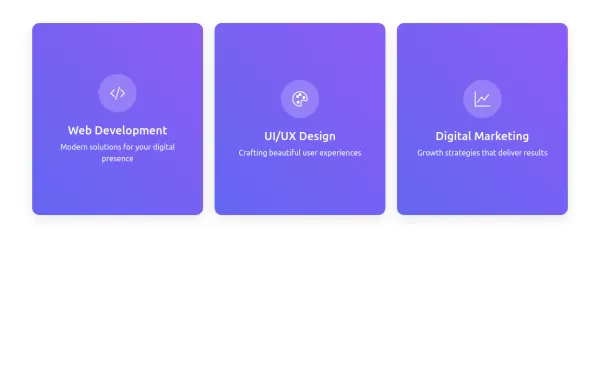 Interactive Service Cards | Bootstrap 5.3
Modern Bootstrap 5.3 component with elegant card rotations and hover animations. Perfect for featuring services, products, or team members
1 year ago11.1kv.5.3 -
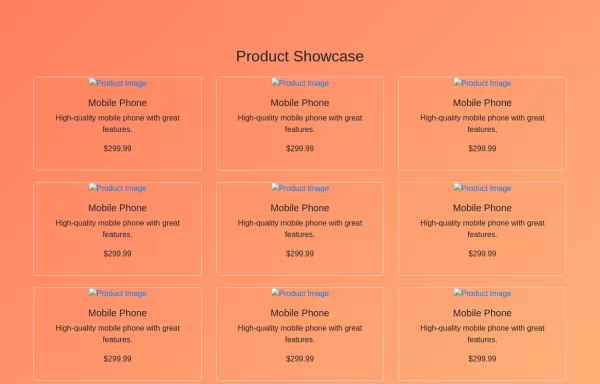 HTML and JavaScript for Product Showcase Page
JavaScript: Pagination Handling: The script fetches images based on the current page and updates the pagination controls dynamically. Product Cards: Each product is displayed as a card with an image, title, description, and price
2 years ago2.5kv.4.6 -
 2 years ago2.1kv.5.3
 -
2 months ago174v.4.6
-
5 months ago874v.4.6
-
 1 year ago4.4kv.5.3
 -
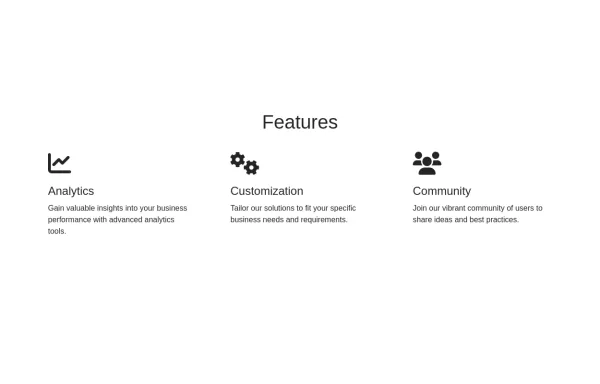 Features section
Showcase features with icons
2 years ago2kv.4.6 -
Feature Cards
showcases three key features with a clean, minimal design.
1 month ago354v.5.3 -
 Feature showcase
Feature showcase with icos
2 years ago2.2kv.4.6



Didn't find component you were looking for?
Search from 300+ componenent

