- → Nguyen Minh
- → Stats section
Stats section
Show your product/website stats beautifully
This bootstrap css example is contributed by Nguyen Minh, on 11-Jun-2024. Component is made with bootstrap css v.4.6. It is responsive. similar terms for this example are Info, Show info, Statistics

Author Nguyen Minh
More Examples
-
 Stats cards using Bootstrap 5
BS5 stat cards
3 months ago216v.5.3 -
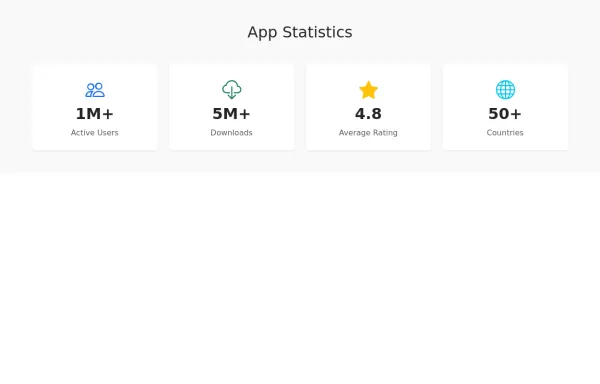 Beautiful Stats Section
App stats section with icons. with hover effect
2 years ago2.7kv.5.3 -
Stats cards using Bootstrap 5
BS5 stat cards
3 months ago178v.5.3 -
Stats cards using Bootstrap 5
BS5 stat cards
3 months ago225v.5.3 -
Stats cards using Bootstrap 5
BS5 stat cards
2 months ago410v.5.3 -
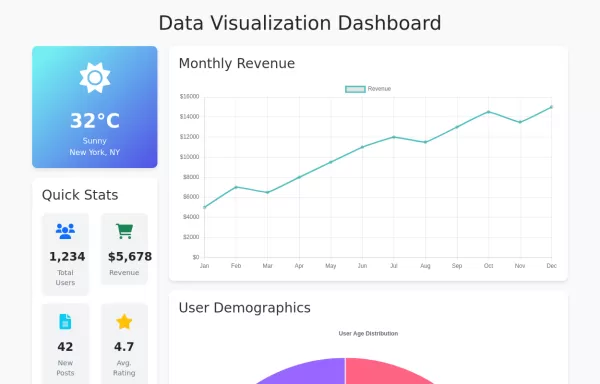 2 years ago4.8kv.5.3
 -
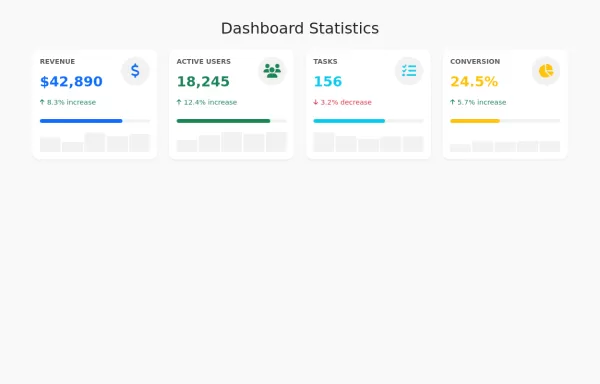 1 year ago9.8kv.5.3
 -
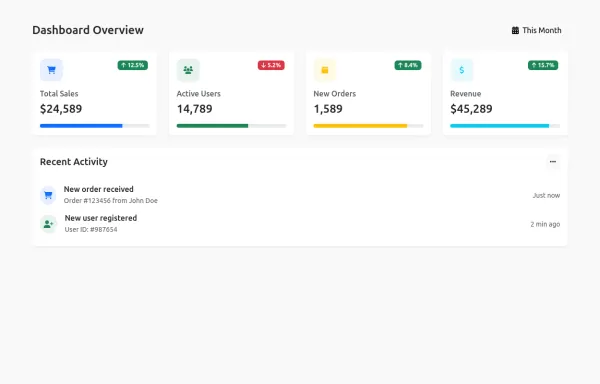 1 year ago6.6kv.5.3
 -
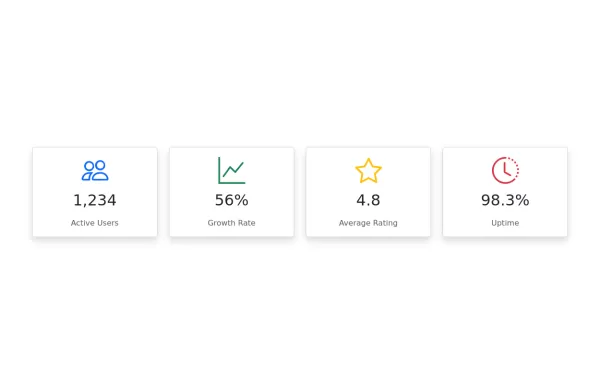 Stats cards using Bootstrap 5
BS5 stat cards
2 years ago16.1kv.5.3 -
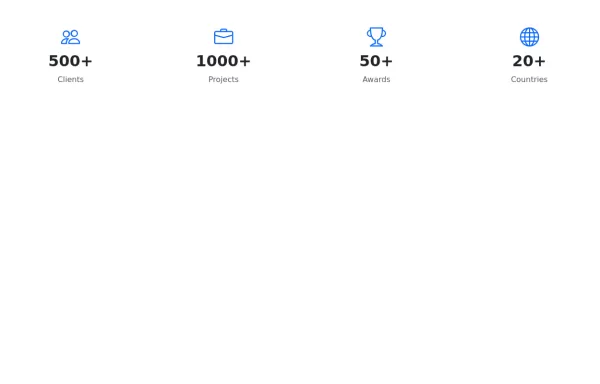 Simple stats section
Minimalist stats example made with bootstrap 5
2 years ago1.9kv.5.3 -
Stats cards using Bootstrap 5
BS5 stat cards
3 months ago199v.5.3 -
Stats cards using Bootstrap 5
BS5 stat cards
3 months ago189v.5.3


Didn't find component you were looking for?
Search from 300+ componenent

