- → java stories story
- → list navbar
list navbar
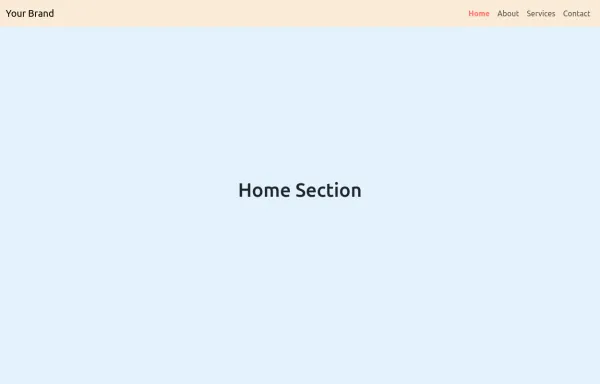
This bootstrap css example is contributed by java stories story, on 30-Jul-2025. Component is made with bootstrap css v.5.3. It is responsive.
Author java stories story
More Examples
-

6 months ago1.7kv.5.3
-
10 months ago3kv.5.3
-
8 months ago2.1kv.5.3
-
HTML, CSS, and JavaScript for Multi-layer Dropdown Header
HTML: Added dropdown-submenu class to handle nested dropdowns. CSS: Dropdown Submenu: Positioned to the right of the parent dropdown. JavaScript: Event Listeners: Added to show and hide nested dropdowns on mouse enter and leave. How to Use: Create an header.html file and paste the updated code into it. Include Bootstrap and Font Awesome if needed for styling and icons.
1 year ago2.8kv.4.6 -
Responsive Bootstrap Navbar with Mobile Toggle and Remix Icons
This responsive Bootstrap 5 navbar features a clean and modern design, enhanced with Remix Icons for login and cart functionality. It includes a desktop navigation layout with a logo, links, search bar, and action buttons, while the mobile version adapts seamlessly with a toggle menu. Ideal for e-commerce or multipage websites seeking a sleek and user-friendly header layout.
10 months ago3.2kv.5.3 -
Rotating Navigation Animation
1 year ago2kv.4.6 -
Responsive Bootstrap Navbar with Mobile Toggle and Remix Icons
This responsive Bootstrap 5 navbar features a clean and modern design, enhanced with Remix Icons for login and cart functionality. It includes a desktop navigation layout with a logo, links, search bar, and action buttons, while the mobile version adapts seamlessly with a toggle menu. Ideal for e-commerce or multipage websites seeking a sleek and user-friendly header layout.
10 months ago2.7kv.5.3 -
8 months ago3.9kv.5.3
-
Hidden Search Widget
1 year ago1.3kv.4.6 -
8 months ago2.5kv.5.3
-
8 months ago3kv.5.3
-
HTML and Bootstrap for Registration Form
HTML: Personal Information Section: Includes fields for full name, email, date of birth, bio, and profile image. Company Information Section: Includes fields for company name, company size (using a dropdown), and location. Submit Button: A button to submit the form. CSS: Background Gradient: Applied to the body. Card Styling: Styled with rounded corners and padding. Button Styling: Custom colors for the submit button. Validation Styling: Highlight invalid fields and display error messages. JavaScript: Validation Logic: Checks if required fields are filled and updates the feedback area with error or success messages. Dynamic Feedback: Updates the form with success or error messages based on validation.
1 year ago8.2kv.4.6
Didn't find component you were looking for?
Search from 300+ componenent