- → Shahriar Noyon
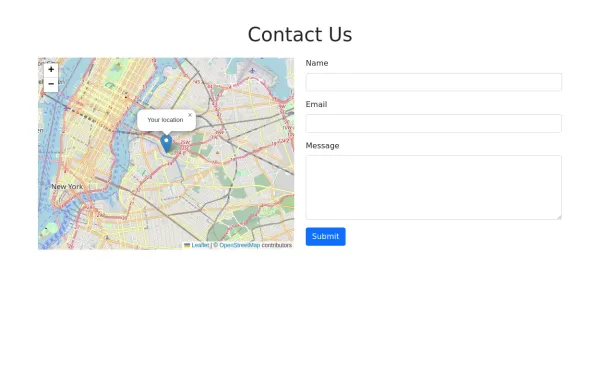
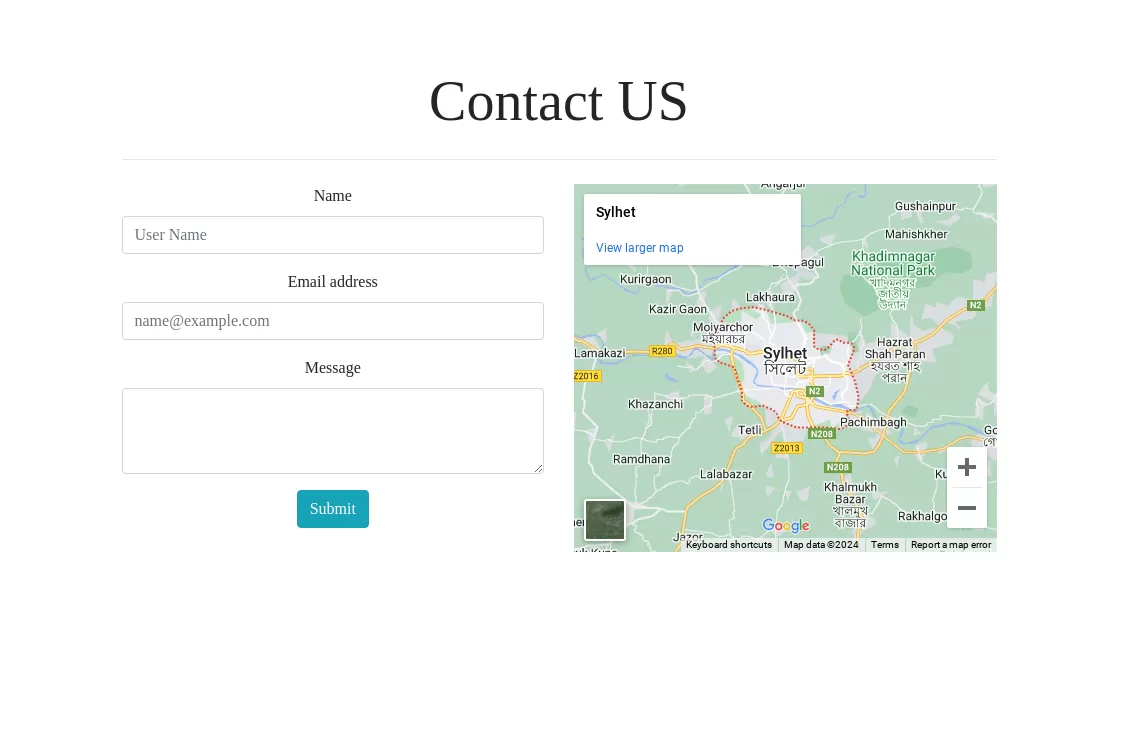
- → Google MAP API
Google MAP API
This bootstrap css example is contributed by Shahriar Noyon, on 15-May-2026. Component is made with bootstrap css v.4.6. It is responsive. similar terms for this example are Get in touch, Contact form
Tags:
Contact us

Author Shahriar Noyon
520
v.4.6
More Examples
-
 5 months ago665v.4.6
 -
Form validation by donald trump
form validation
3 months ago324v.4.6 -
 2 years ago10.3kv.4.6
 -
form
form validation
5 months ago399v.4.6 -
3 months ago196v.4.6
-
4 months ago413v.5.3
-
3 months ago811v.5.3
-
 1 year ago3.4kv.5.3
 -
 2 years ago10.3kv.5.3
 -
3 months ago676v.5.3
-
 2 years ago18.5kv.5.3
 -
 2 years ago8.7kv.4.6





Didn't find component you were looking for?
Search from 300+ componenent

