- → Ankit khedkar
- → Logo cloud
Logo cloud
Showcase your partners
This bootstrap css example is contributed by Ankit khedkar, on 17-Jul-2024. Component is made with bootstrap css v.5.3. It is responsive.
Author Ankit khedkar
More Examples
-
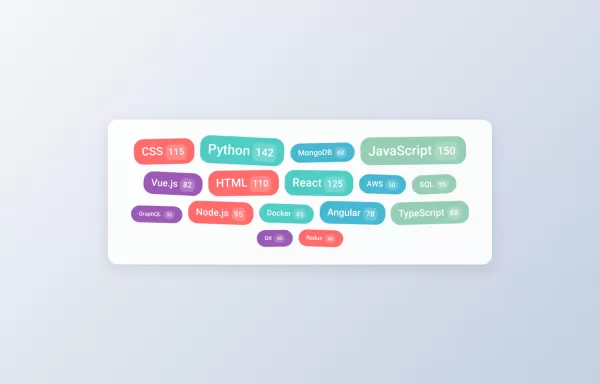
Interactive Tag Cloud
With: Hover animations Click Effects Random rotation Count badges Smooth transitions
1 year ago2.5kv.5.3 -
1 year ago2.3kv.5.3
-
Beutifull Comment Section Bootstrap - 5
The comment section for your website
1 year ago6.4kv.5.3 -
Interactive Star Rating
A dynamic star rating component where users can select their rating by clicking on stars. The rating can range from 1 to 5 stars, offering immediate visual feedback on hover and selection.
1 year ago14kv.5.3 -
Simple toast messages example
Four different types of toasts: Success (green) Error (red) Warning (yellow) Info (blue) Auto-dismisses after 3 seconds
1 year ago2.2kv.5.3 -
Responsive Card Grid
A responsive grid of cards with hover effects
2 years ago6.3kv.5.3 -
Pricing Page with Bootstrap and Icons
HTML: Navbar: Provides navigation links, including a link to the Pricing page. Pricing Section: Contains three columns, each representing a pricing plan with a card layout. Icons: Font Awesome icons are used for visual representation (e.g., stars and check circles). CSS: Card Styling: Adds border, shadow, and hover effects to the pricing cards. Plan-Specific Styles: Different border colors for each pricing plan (Free, Gold, Platinum). Button Styles: Different button colors to match the card styles. JavaScript: No custom JavaScript is required for this static pricing page, but you can add interactivity if needed. How to Use: Customize Content: Update the plan names, prices, features, and button actions as needed. Replace Icons: Choose different Font Awesome icons if desired by updating the <i> elements.
1 year ago1.6kv.4.6 -
Bootstrap with VideoJS player
Video player with buttons
1 year ago2.2kv.5.3 -
Boostrap Buttons
Basic Buttons - Standard button styles with different color variations Outline Buttons - Ghost buttons with colored borders that fill on hover Button Sizes - Three different size variations for different contexts Icon Buttons - Buttons with Bootstrap Icons integration Block Buttons - Full-width buttons using Bootstrap's grid system Button Groups - Grouped buttons for related actions Loading Buttons - Interactive buttons with loading spinners
1 year ago3.5kv.5.3 -
1 year ago1.6kv.4.6
-
1 year ago2.7kv.5.3
-
1 year ago2kv.5.3
Didn't find component you were looking for?
Search from 300+ componenent