- → Valeria González
- → Minimal shopping cart
Minimal shopping cart
This bootstrap css example is contributed by Valeria González, on 22-Nov-2024. Component is made with bootstrap css v.5.3. It is responsive.

Author Valeria González
More Examples
-
 Shopping cart design using Bootstrap 5
With order summary and promo code form
2 years ago25.3kv.5.3 -
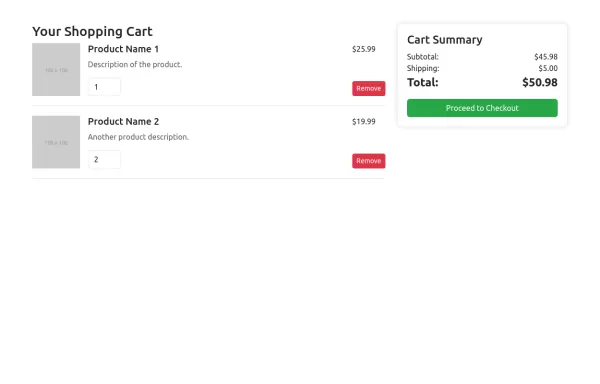 Bootstrap 5 shopping cart design
clean and beautiful shopping cart component
1 year ago5.1kv.5.3 -
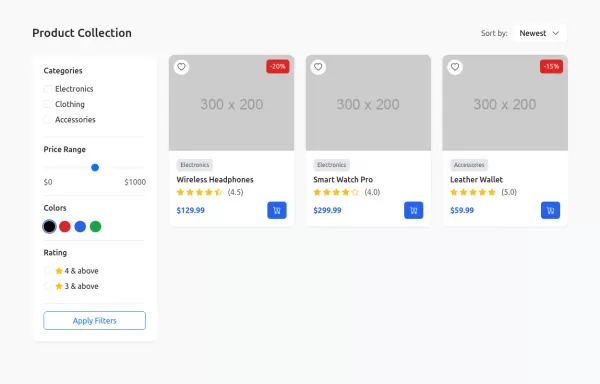 Interactive Shop Catalog Layout
shopping interface with wishlist functionality and dynamic filtering
1 year ago7.8kv.5.3 -
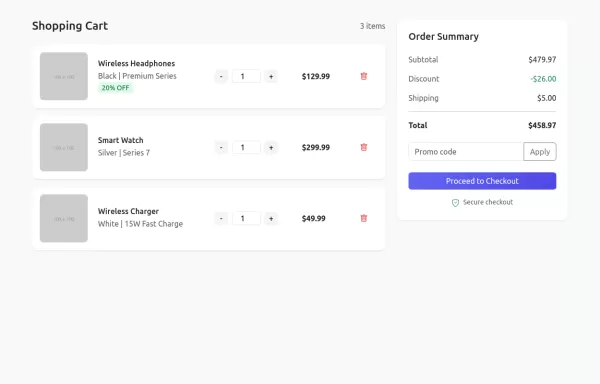 Clean Commerce Cart Design
A sleek shopping cart interface with quantity controls and real-time order summary
1 year ago6.7kv.5.3 -
 2 years ago2.1kv.4.6
 -
 2 years ago4.9kv.4.6
 -
 5 months ago412v.4.6
 -
 1 year ago1.8kv.5.3
 -
 Stats card made with boostrap 4.6
Minimal admin stats card
2 years ago4.7kv.4.6 -
5 months ago379v.4.6
-
 2 years ago6.3kv.5.3
 -
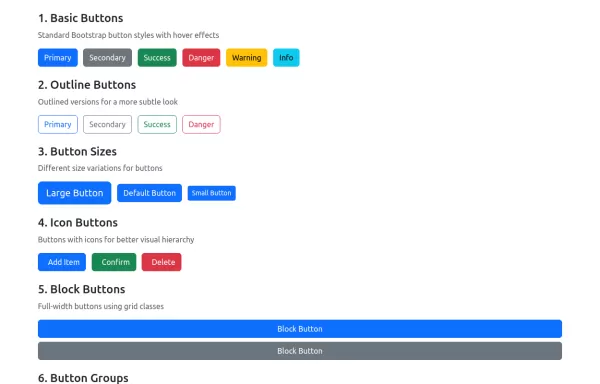 Boostrap Buttons
Basic Buttons - Standard button styles with different color variations Outline Buttons - Ghost buttons with colored borders that fill on hover Button Sizes - Three different size variations for different contexts Icon Buttons - Buttons with Bootstrap Icons integration Block Buttons - Full-width buttons using Bootstrap's grid system Button Groups - Grouped buttons for related actions Loading Buttons - Interactive buttons with loading spinners
1 year ago4.4kv.5.3


Didn't find component you were looking for?
Search from 300+ componenent

