- → Anonymous
- → Contact us section with Image
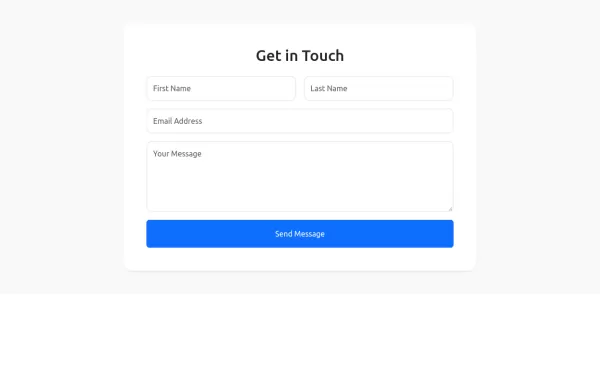
Contact us section with Image
This bootstrap css example is contributed by Anonymous, on 15-Jul-2024. Component is made with bootstrap css v.4.6. It is responsive. similar terms for this example are Get in touch, Contact form

Author Anonymous
More Examples
-
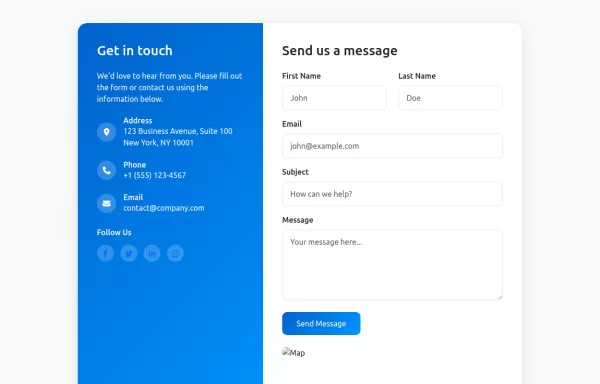 Contact card
Company contact card with email, contact number, and social links
1 year ago10.1kv.5.3 -
 4 months ago422v.5.3
 -
3 months ago831v.5.3
-
fitar container
do noty copy
5 months ago897v.4.6 -
4 months ago371v.5.3
-
3 months ago628v.5.3
-
 Get In Touch Form Example
Contact us form
2 years ago2.9kv.5.3 -
5 months ago669v.4.6
-
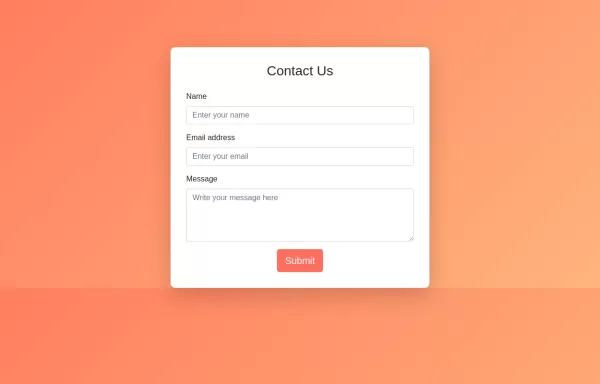 HTML, CSS, and Bootstrap. This approach will be purely HTML and CSS without any JavaScript.
HTML: Bootstrap Integration: Linked to Bootstrap CDN for styling. Form Structure: Contains input fields for name, email, and message, all within a card component. CSS: Background Gradient: Applied to the body for a visually appealing background. Card Styling: Rounded corners and padding for the card. Button Styling: Custom colors for the submit button, including hover effects. How to Use: Create an index.html file and copy the above code into it. Open the HTML file in your web browser to view the Contact Us form.
2 years ago3.6kv.4.6 -
 2 years ago10.4kv.4.6
 -
form
form validation
5 months ago401v.4.6 -
 1 year ago3.4kv.5.3





Didn't find component you were looking for?
Search from 300+ componenent

