- → Mishti
- → Outline button group
Outline button group
This bootstrap css example is contributed by Mishti, on 07-Apr-2024. Component is made with bootstrap css v.5.3. It is responsive.

Author Mishti
More Examples
-
 Button group
solid button group
2 years ago2kv.5.3 -
 2 months ago601v.5.3
 -
 Underlined Tabs with bootstrap 5
Minimal design with underline indicator it has Smooth transitions
8 months ago1.4kv.5.3 -
 1 year ago2.7kv.5.3
 -
 2 years ago3.1kv.5.3
 -
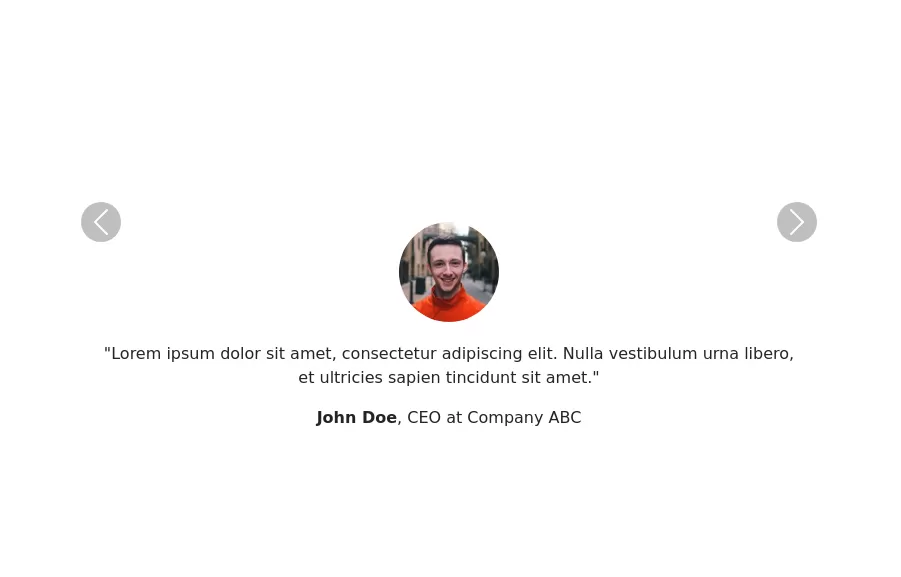 Testimonials Carousel
showcase user testimonials
2 years ago3.7kv.5.3 -
5 months ago587v.4.6
-
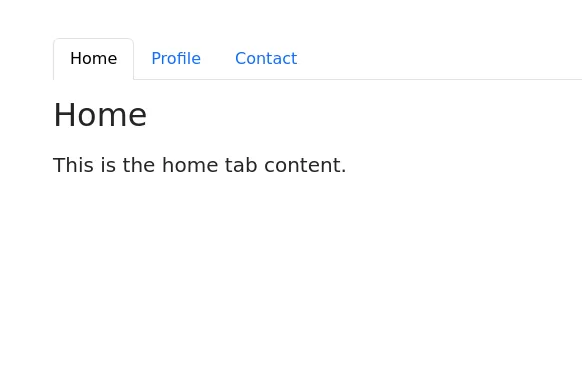 Bootstrap tabs
tab navigation
2 years ago30.9kv.5.3 -
4 months ago727v.4.6
-
3 months ago152v.5.3
-
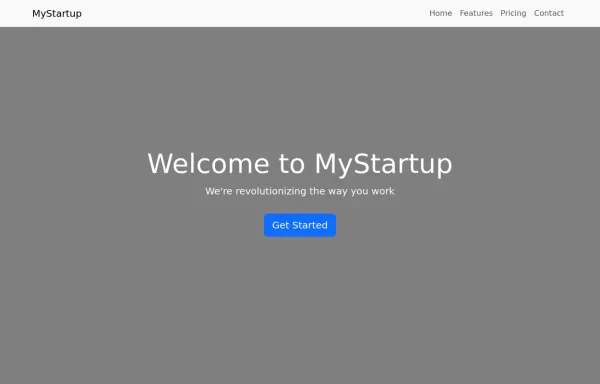 Landing Page
Simple labding page made with boottrap 5
2 years ago1.8kv.5.3 -
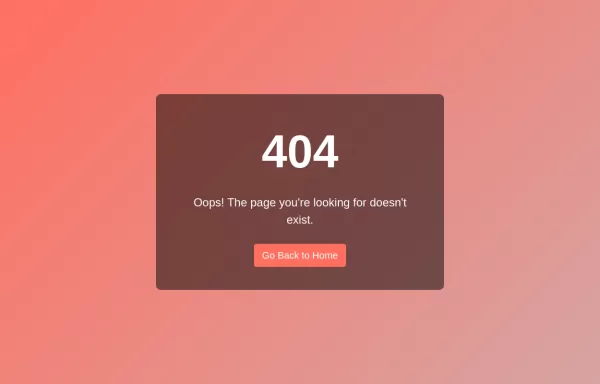 Error Page, you can use HTML, CSS, and Bootstrap.
HTML: Error Title: A large, bold number (e.g., 404) to indicate the error type. Error Message: A brief message explaining the error. Button: A button to navigate back to the home page. Adjust the href attribute to point to your actual home page URL. CSS: Background Gradient: Applied to the body to give a stylish look. Error Container: Centered on the page with a semi-transparent background for contrast. Button Styling: Custom colors for the button, including hover effects.
2 years ago3.1kv.4.6


Didn't find component you were looking for?
Search from 300+ componenent

