- → java stories story
- → contact us
contact us
This bootstrap css example is contributed by java stories story, on 30-Jul-2025. Component is made with bootstrap css v.5.3. It is responsive.

Author java stories story
More Examples
-
 6 months ago1kv.4.6
-
3 months ago611v.5.3
-
new-validation-form
new-validation-form
4 months ago462v.4.6 -
5 months ago645v.4.6
-
 2 years ago10.4kv.5.3
-
 1 year ago2.8kv.5.3
-
yash from
amr from ta keow copy korbe nha .korle tui morog chor
6 months ago319v.4.6 -
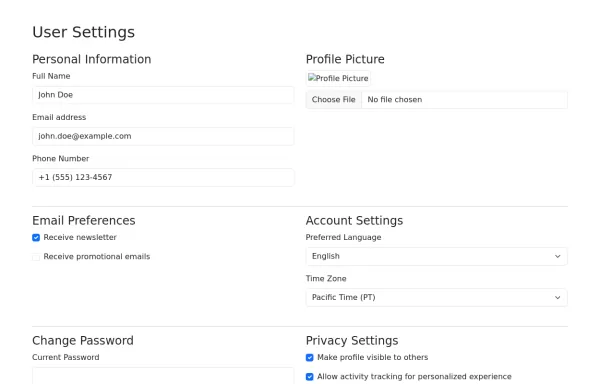 User Settings Form
form with following sections - Personal Information - Profile Picture - Email Preferences - Account Settings - Change Password - Privacy Settings
2 years ago6.5kv.5.3 -
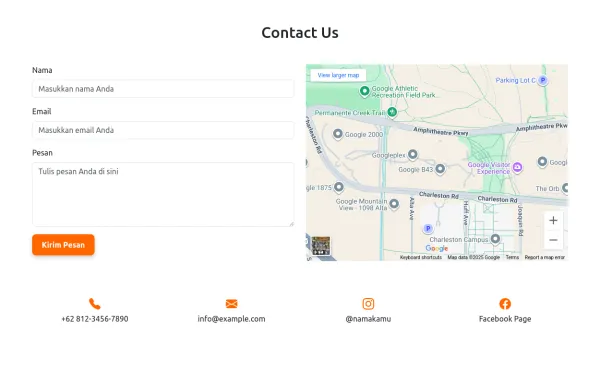
 Contact Us Page with Google Maps and Form Validation
HTML: Form Fields: Includes fields for name, email, and message. Google Map: A div with an id of map where the Google Map will be displayed. Feedback Elements: <div> elements for displaying validation messages and success messages. CSS: Styling: Adds padding for the contact section, sets the map height, and styles feedback and success messages. JavaScript: Google Maps Initialization: Uses the Google Maps JavaScript API to create and display a map centered at specified coordinates. Replace YOUR_GOOGLE_MAPS_API_KEY with your actual API key. Form Validation: Validates the input fields and displays appropriate messages if the input is invalid or missing. How to Use: Replace API Key: Insert your Google Maps API key in the script tag for Google Maps. Customize Coordinates: Update the latitude and longitude in the initMap function to reflect your actual location. Validation Rules: Customize validation logic as needed for your form requirements.
2 years ago9.3kv.4.6 -
5 months ago467v.4.6
-
form-validation
form-validation
4 months ago469v.4.6 -
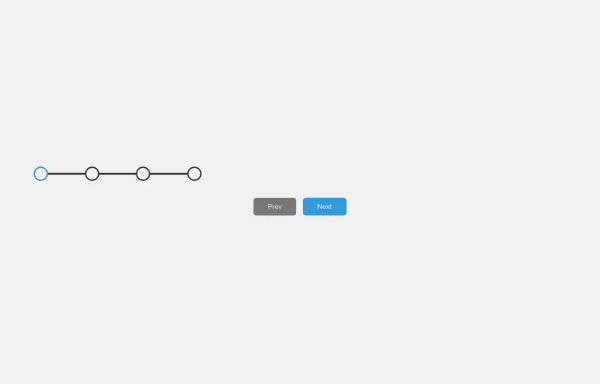 progress-steps
1 year ago3kv.4.6


Didn't find component you were looking for?
Search from 300+ componenent

