- → Rami AlAjo
- → progress-steps
progress-steps
progress-steps
This bootstrap css example is contributed by Rami AlAjo, on 25-Feb-2025. Component is made with bootstrap css v.4.6. It is responsive. similar terms for this example are loading, loader

Author Rami AlAjo
More Examples
-
 3 months ago1kv.5.3
-
Restrurant Website
Only for me
4 months ago470v.5.3 -
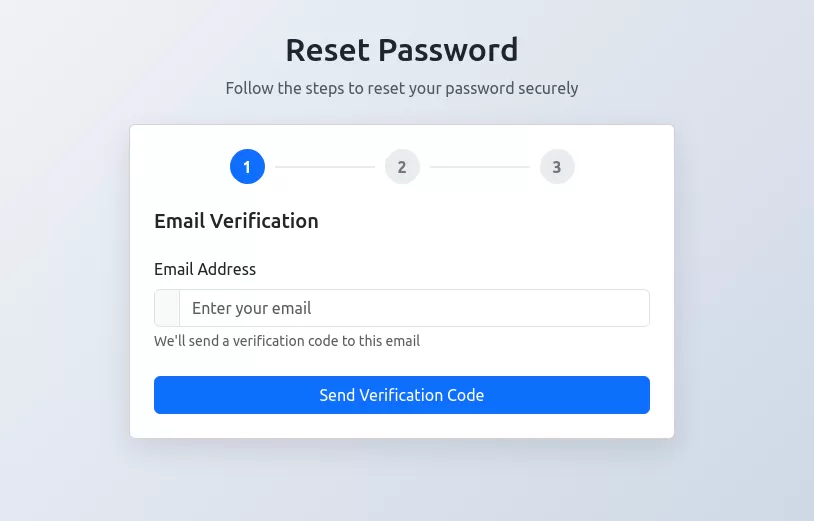 Password Reset Form
Multi-step password reset form with email verification, code validation, and password strength meter built with Bootstrap 5.3.
1 year ago8.3kv.4.6 -
new-validation-form
new-validation-form
3 months ago446v.4.6 -
 Split Landing Page
1 year ago2.2kv.4.6 -
3 months ago814v.5.3
-
6 months ago486v.4.6
-
 Contact Us Page with Google Maps and Form Validation
HTML: Form Fields: Includes fields for name, email, and message. Google Map: A div with an id of map where the Google Map will be displayed. Feedback Elements: <div> elements for displaying validation messages and success messages. CSS: Styling: Adds padding for the contact section, sets the map height, and styles feedback and success messages. JavaScript: Google Maps Initialization: Uses the Google Maps JavaScript API to create and display a map centered at specified coordinates. Replace YOUR_GOOGLE_MAPS_API_KEY with your actual API key. Form Validation: Validates the input fields and displays appropriate messages if the input is invalid or missing. How to Use: Replace API Key: Insert your Google Maps API key in the script tag for Google Maps. Customize Coordinates: Update the latitude and longitude in the initMap function to reflect your actual location. Validation Rules: Customize validation logic as needed for your form requirements.
2 years ago9.3kv.4.6 -
3 months ago589v.5.3
-
siam form validation
form validation resourse
6 months ago352v.4.6 -
5 months ago453v.4.6
-
6 months ago999v.4.6


Didn't find component you were looking for?
Search from 300+ componenent

