- → java stories story
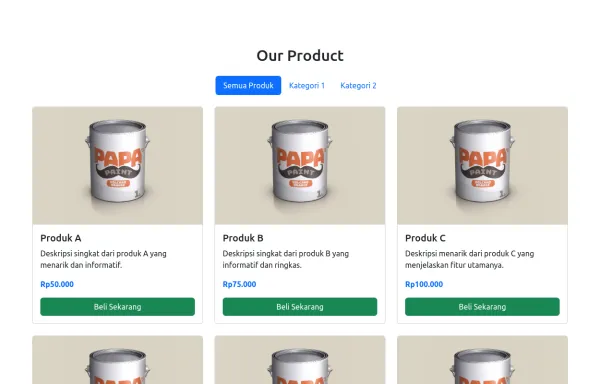
- → Category Tab
Category Tab
This bootstrap css example is contributed by java stories story, on 29-Aug-2025. Component is made with bootstrap css v.5.3. It is responsive.

Author java stories story
More Examples
-
 3 months ago663v.4.6
 -
 1 year ago3.4kv.5.3
 -
 7 months ago751v.4.6
 -
4 months ago331v.4.6
-
final about me section
do not copy
4 months ago324v.4.6 -
 1 year ago2.1kv.5.3
 -
4 months ago934v.4.6
-
 1 year ago3.7kv.5.3
 -
 User Profile Card with Bootstrap
How to Use: Replace Image URL: Update the src attribute of the img tag to the actual URL of the user’s image. Update Text: Change the text inside the h5 and p elements to reflect the user’s actual name and biography
2 years ago3.6kv.4.6 -
4 months ago452v.4.6
-
2 months ago668v.5.3
-
3 months ago307v.5.3




Didn't find component you were looking for?
Search from 300+ componenent

